General
Hardware, peripherals, and software configuration
Computer
Windows
- Power Plan set to High Performance or Ultimate Performance
- Debloat Windows using Chris Titus Tech's Windows Utility
macOS
- TODO: add link to dotfile repo that uses chezmoi
- Homebrew packages:
Complete Package Reference
This lists every application, tool, and package installed by this dotfiles setup.
Homebrew Taps
Taps are third-party repositories that extend Homebrew's default package collection.
Tap Purpose homebrew/cask-fontsProvides access to Nerd Fonts and other developer fonts with icons and glyphs espanso/espansoContains espanso, a cross-platform text expander written in RustHomebrew Formulae (CLI Tools)
Core Tools
Package Description gitDistributed version control system. ghGitHub's official CLI. Create PRs, manage issues, browse repos, trigger workflows. ripgrepExtremely fast text search tool ( rg). 10-100x faster thangrep.fdModern replacement for find. Simple syntax, respects.gitignore.fzfGeneral-purpose fuzzy finder. Powers Ctrl+Rfor history search andCtrl+Tfor file finding.batCat clone with syntax highlighting, line numbers, and git changes. ezaModern replacement for ls. Colorized output, git status integration, tree view.jqCommand-line JSON processor. Parse, filter, map, and transform JSON data. yqLike jqbut for YAML/XML/TOML.treeDisplay directory structures as tree diagrams. wgetNetwork downloader. Retrieves files via HTTP/HTTPS/FTP. curlTransfer data with URLs. The Swiss Army knife of data transfer. httpieUser-friendly HTTP client ( http). Intuitive syntax, colorized output.Git Enhancements
Package Description git-deltaSyntax-highlighting pager for git diffs with side-by-side view. lazygitTerminal UI for git. Visual staging, branch management, interactive rebase. git-lfsGit Large File Storage. Handles large files efficiently. ghqRepository organizer. Clones repos into a structured directory layout. Editors
Package Description neovimHyperextensible Vim-based text editor with full Lua-based setup. Shell Tools
Package Description starshipCross-shell prompt. Shows git status, language versions, command duration. tmuxTerminal multiplexer. Multiple sessions, detach/reattach, split panes. direnvDirectory-specific environment variables. Loads .envrcfiles automatically.zoxideSmarter cd. Tracks directories and jumps with partial matches.atuinShell history database with sync across machines and fuzzy search. Version Managers
Package Description fnmFast Node.js manager. 40x faster than nvm. pyenvPython version manager. Switch per-project with .python-version.juliaupJulia version manager and multiplexer. Container Tools
Package Description dockerContainer CLI. Build, run, and manage containers (CLI only, uses Colima). docker-composeMulti-container orchestration with YAML. colimaLightweight Docker Desktop alternative. ~50% less RAM. lazydockerTerminal UI for Docker. Visual container management and logs. Security Tools
Package Description ageModern file encryption. Used by chezmoi for encrypting sensitive dotfiles. gnupgGNU Privacy Guard. Encrypt files, sign commits, manage keys. sopsSecrets manager for config files. Encrypts values, not keys. macOS Automation
Package Description masMac App Store CLI. Install and manage App Store apps from the terminal. Development Tools
Package Description pre-commitGit hooks framework. Run linters and formatters before commits. shellcheckShell script static analyzer. shfmtShell script formatter. hadolintDockerfile linter. Rust Toolchain
Package Description rustupRust toolchain installer. Manages versions, components, and targets. Go Toolchain
Package Description goGo programming language. golangci-lintGo linter aggregator. Runs 50+ linters in parallel. Miscellaneous CLI Tools
Package Description mkcertLocal HTTPS certificates for development. htopInteractive process viewer. btopResource monitor with CPU/memory/disk/network graphs. ncduInteractive disk usage analyzer. tldrSimplified man pages with practical examples. glowTerminal markdown viewer. Homebrew Casks (GUI Applications)
Terminal Emulators
Application Description Ghostty GPU-accelerated terminal emulator by Mitchell Hashimoto. Code Editors
Application Description Visual Studio Code Microsoft's code editor. Huge extension ecosystem. Zed High-performance editor by Atom creators. Written in Rust. Web Browsers
Application Description Zen Privacy-focused Firefox fork. Vertical tabs, clean UI, built-in ad blocking. Productivity Apps
Application Description Rectangle Pro Professional window management with keyboard shortcuts. 1Password Password manager. Stores passwords, SSH keys, secure notes. Raycast Spotlight replacement and launcher. Clipboard history, snippets, scripts. BetterTouchTool Input device customizer. Custom gestures, shortcuts, automation. Yoink Drag-and-drop shelf for file management workflows. Mouse Customization
Application Description LinearMouse Disable mouse acceleration, adjust scroll speed, per-device settings. Automation Apps
Application Description Hammerspoon macOS automation with Lua scripting. Karabiner-Elements Keyboard customizer. Remap keys, create complex modifications (e.g. Hyper key). Espanso Text expander. Type abbreviations that expand to full text. Fonts (Nerd Fonts)
Font Description JetBrains Mono NF JetBrains' monospace font optimized for code plus Nerd Font icons. Fira Code NF Monospace font with programming ligatures plus Nerd Font icons. Development Apps
Application Description Insomnia API client for REST and GraphQL. TablePlus Modern database GUI for PostgreSQL, MySQL, SQLite, Redis, etc. LaTeX Apps
Application Description MacTeX (no GUI) Full TeX Live distribution for macOS (~4GB). Research, Communication & Media
Application Description Zotero Reference manager for research sources. Slack Team messaging platform. VLC Universal media player. Plays virtually any format. MediaMate Now Playing widget and media controls. Cloud Storage & Utilities
Application Description Google Drive Cloud storage client. Syncs files to Finder. AppCleaner Application uninstaller. Removes all associated files. The Unarchiver Archive extractor for ZIP, RAR, 7z, and more. Stats System monitor in menu bar. Cloud & CLI Tools (Cask Versions)
Application Description gcloud CLI Google Cloud Platform CLI. 1Password CLI 1Password command line tool ( op). Used for SSH agent and API keys.ngrok Expose localhost to the internet for testing webhooks and demos. Mac App Store Apps
App Description Xcode Apple's IDE. Required for iOS/macOS development and Command Line Tools. AdGuard for Safari Safari ad blocker. Blocks ads, trackers, and annoyances. Yoink Drag-and-drop shelf (App Store version). Global npm Packages
Package Description @google/generative-ai-cliGemini CLI. Access Google's Gemini AI from the terminal. openaiOpenAI CLI. Interact with GPT-4 and other models. Python Tools (via pipx)
Package Description poetryPython dependency management and packaging. blackPython code formatter. ruffExtremely fast Python linter. Written in Rust, 10-100x faster. mypyStatic type checker for Python. httpieUser-friendly HTTP client (pipx version). yt-dlpVideo downloader for YouTube and 1000+ sites. llmUniversal CLI for Large Language Models.
Steam
"Do you want to allow this app to make changes to your device?"
Are you tired of seeing the "Allow game launch?" pop-up every time you launch the game?
1. Open Steam and go to your Library.
2. Right-click on Marvel Rivals (or your game) and select Properties.

3. Copy this command:
cmd /min /C "set __COMPAT_LAYER=RUNASINVOKER && start "" %command%"4. Paste it into the Launch options box.

5. Now the game will instantly open, bypassing the pop-up.
NVIDIA
- GPU drivers updated to the latest version — download the NVIDIA App to update drivers
Monitor
| Term | Description |
|---|---|
| Resolution | Your monitor's resolution is how many pixels there are, which determines how detailed things appear on-screen. Common resolutions are: 1080p, 1440p (aka 2K), or 3840p (aka 4K). |
| Refresh Rate | How many frames are displayed per second. Most screens are 60Hz (aka 60fps). Mid-range monitor refresh rates are 100–240Hz and are sufficient for most games. High-end monitor refresh rates are around 360–540Hz, and are only useful for games where you move very fast and your surroundings change rapidly, such as Marvel Rivals or Overwatch. |
| HDR | Check if your monitor supports HDR, and enable it if it does to make colours appear more vibrant. |
| Connections | Make sure your monitors are connected directly to your GPU's HDMI or DisplayPort sockets. Make sure you know what standard your PC, monitor, and cable's specs are, and that they can support your monitor's resolution and refresh rate, e.g. DisplayPort 2.1 supports 4K @ 240Hz or 2K @ 480Hz. |
- 144Hz+ refresh rate (240Hz+ ideal)
- G-Sync or FreeSync enabled
Higher refresh rates and proper sync dramatically improve visual clarity. Your visual clarity and motion fluidness depend heavily on your display configuration.
Refresh Rate
Ensure your monitor is actually set to its maximum refresh rate (144Hz, 240Hz, etc.) in Windows Display Settings.
How to set refresh rate in Windows
1. Open Windows Settings and go to System > Display.

2. Scroll down and click on Advanced display.

3. Under Choose a refresh rate, select the highest available frequency.

Variable Refresh Rate
Enable G-Sync or FreeSync to eliminate screen tearing without the massive input lag of V-Sync.
Keyboard
- Rapid Trigger enabled
- Actuation point at 0.1mm–0.5mm
Wooting
- Configure your keyboard using Wootility
Mouse
| Term | Meaning | Description | Where | Default | Do this |
|---|---|---|---|---|---|
| Enhance pointer precision | Software acceleration | Moving the mouse a fixed distance on your mousepad will move the on-screen cursor a distance that depends on how fast you moved the mouse. | Settings > Bluetooth & Devices > Mouse | — | DISABLE to ensure 1:1 mouse movement for muscle memory |
| Windows pointer speed | Software sensitivity | How Windows controls your mouse sensitivity. | Settings > Bluetooth & Devices > Mouse | 6/11 | DO NOT CHANGE |
| macOS tracking speed | Software sensitivity | How macOS controls your mouse sensitivity. | System Settings > Trackpad > Point & Click > Tracking Speed | — | — |
| DPI | Dots per inch | How many pixels the cursor moves on screen for every inch the mouse moves physically. | Mouse manufacturer's software | 800 | Keep at 800, or increase to 1600 or 3200 |
| Game sensitivity | In-game aim sensitivity | How the game controls your aim speed. | Game-specific | 4.00 | Adjust based on preference |
| eDPI | Effective dots per inch | DPI × Game Sensitivity. The cumulative effect of your DPI and in-game sensitivity. Ensure this is the same in every game to make aiming feel the same. Your in-game FoV can affect eDPI. Use mouse-sensitivity.com to convert. | — | 800 × 4.00 = 3200 | Keep consistent across all games |
| Polling Rate | — | How often mouse reports position. Increasing to 4kHz or 8kHz is CPU-intensive and drains mouse battery faster. | Mouse manufacturer's software | 1kHz | Keep at 1kHz or increase to 8kHz if game supports it |
- Keep DPI at 800 — this is the default DPI set by every mouse manufacturer
- Keep polling rate at 1000Hz
- DO NOT touch Windows 11 mouse sensitivity — keep it at its default (6/11)
- DISABLE mouse acceleration:
Windows 11
1. Settings > Bluetooth & devices > Mouse.
2. Click Additional mouse settings.
3. In Pointer Options tab, uncheck Enhance pointer precision.

macOS
System Settings > Mouse > Advanced > Toggle off Pointer acceleration.
Tip: Once mouse acceleration is disabled, you can ensure consistent aiming by calculating your eDPI, which is DPI multiplied by in-game sensitivity, e.g. 800 DPI × 4.00 sens = 3200 eDPI.
Mouse Software Settings
Ensure acceleration is disabled in your mouse manufacturer's software as well.
WLMouse
1. Open the WLMouse software.
2. Go to the Sensor or DPI tab.
3. Ensure Angle Snapping is off and no acceleration curve is applied.
Redragon
1. Open Redragon Software.
2. Go to the DPI / Sensitivity section.
3. Ensure Acceleration and Angle Snapping are disabled.
Razer Synapse
1. Open Razer Synapse and select your mouse.
2. Go to Performance tab.
3. Ensure Acceleration is set to 0 or disabled.
Logitech G Hub
1. Open Logitech G Hub and select your mouse.
2. Go to Sensitivity (DPI) settings.
3. Ensure Acceleration is toggled off.
Corsair iCUE
1. Open Corsair iCUE and select your mouse.
2. Go to DPI settings.
3. Ensure Pointer Acceleration / Enhanced Precision is disabled.
SteelSeries GG / Engine
1. Open SteelSeries GG (or SteelSeries Engine) and select your mouse.
2. Go to Sensor settings.
3. Ensure Acceleration is set to off and Angle Snapping is disabled.
Stable DPI and consistent input are more important than raw sensitivity.
- DPI (Dots Per Inch): This is your mouse sensitivity. The default is usually 800. Only change this if you need higher sensitivity outside games. Set to multiples of 800 (1600, 3200) in mouse software. DO NOT change this in Windows Mouse Settings.
- Polling Rate: Rate at which mouse reports position. 1000Hz (1ms) is standard/minimum. 4000Hz+ is viable on modern CPUs.
Controller
- Hall effect joysticks to never experience stick drift
- Back buttons allow you to keep your thumb on the left and right sticks without having to move your thumb to the face buttons
If you prefer controller, minimizing input lag and fine-tuning stick behavior are the biggest wins.
- Connection: Use a wired USB connection or the manufacturer's dedicated wireless dongle. Bluetooth adds noticeable input lag.
- Dead Zone: Lower your stick dead zones in-game to the smallest value that doesn't cause drift. This makes aiming more responsive.
- Trigger Dead Zones: Set trigger dead zones to 0 for instant ability/fire activation.
Recommended Products
Monitors
| Brand | Monitor | Size | Resolution | Refresh Rate | Panel Type | Price |
|---|---|---|---|---|---|---|
| Sony | INZONE M10S | 27" | 1440p | 480Hz | OLED | $1,099 |
Keyboards
| Brand | Keyboard | Image | Layout | Switch Type | Polling Rate | Rapid Trigger | Price |
|---|---|---|---|---|---|---|---|
| Wooting | 60HE v2 |  |
60% | Hall effect (Lekker Tikken) | 8000Hz | Yes (0.1mm precision) | — |
| Wooting | 80HE | 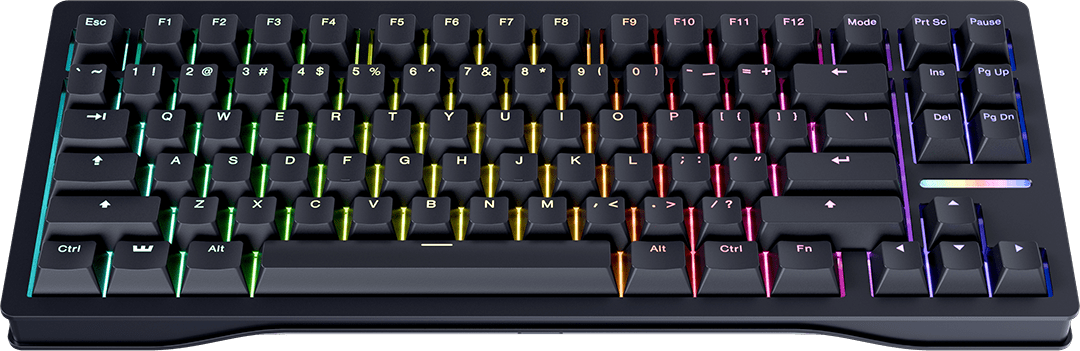 |
80% | Hall effect (Lekker L60 V2) | 8000Hz | Yes (0.1mm precision) | — |
| Wooting | Two HE | 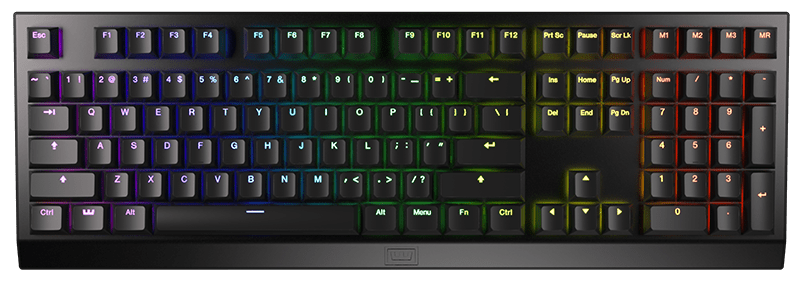 |
100% | Hall effect (Lekker) | 1000Hz | Yes (0.1mm precision) | — |
| MonsGeek | FUN60 Max Nebula | 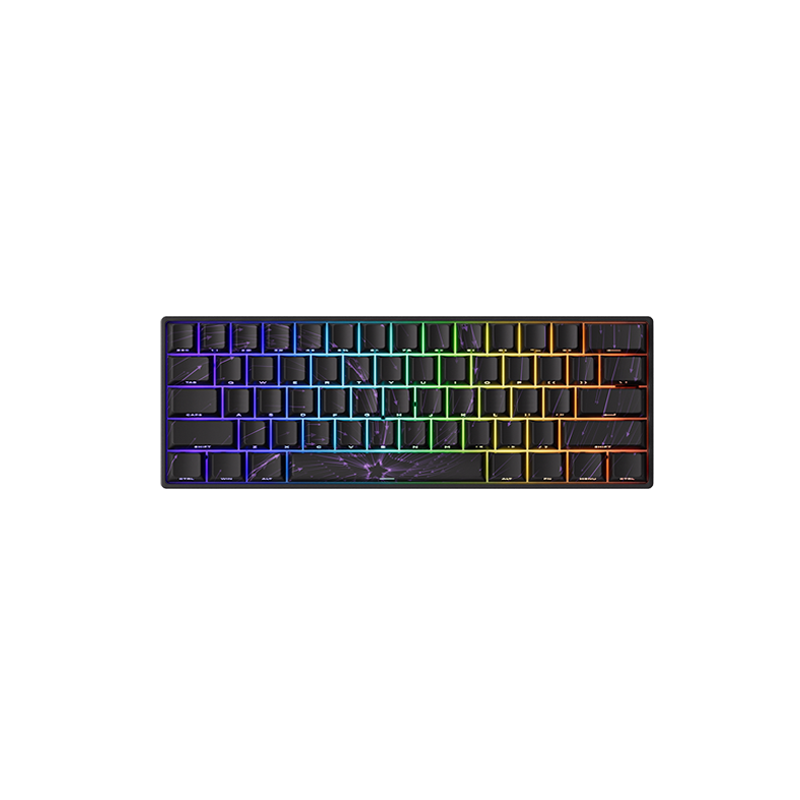 |
60% | Magnetic (HE) | 8000Hz | Yes (0.01mm) | — |
Mice
| Brand | Mouse | Image | Weight | Sensor | Polling Rate | Price |
|---|---|---|---|---|---|---|
| WLMOUSE | Beast Miao | 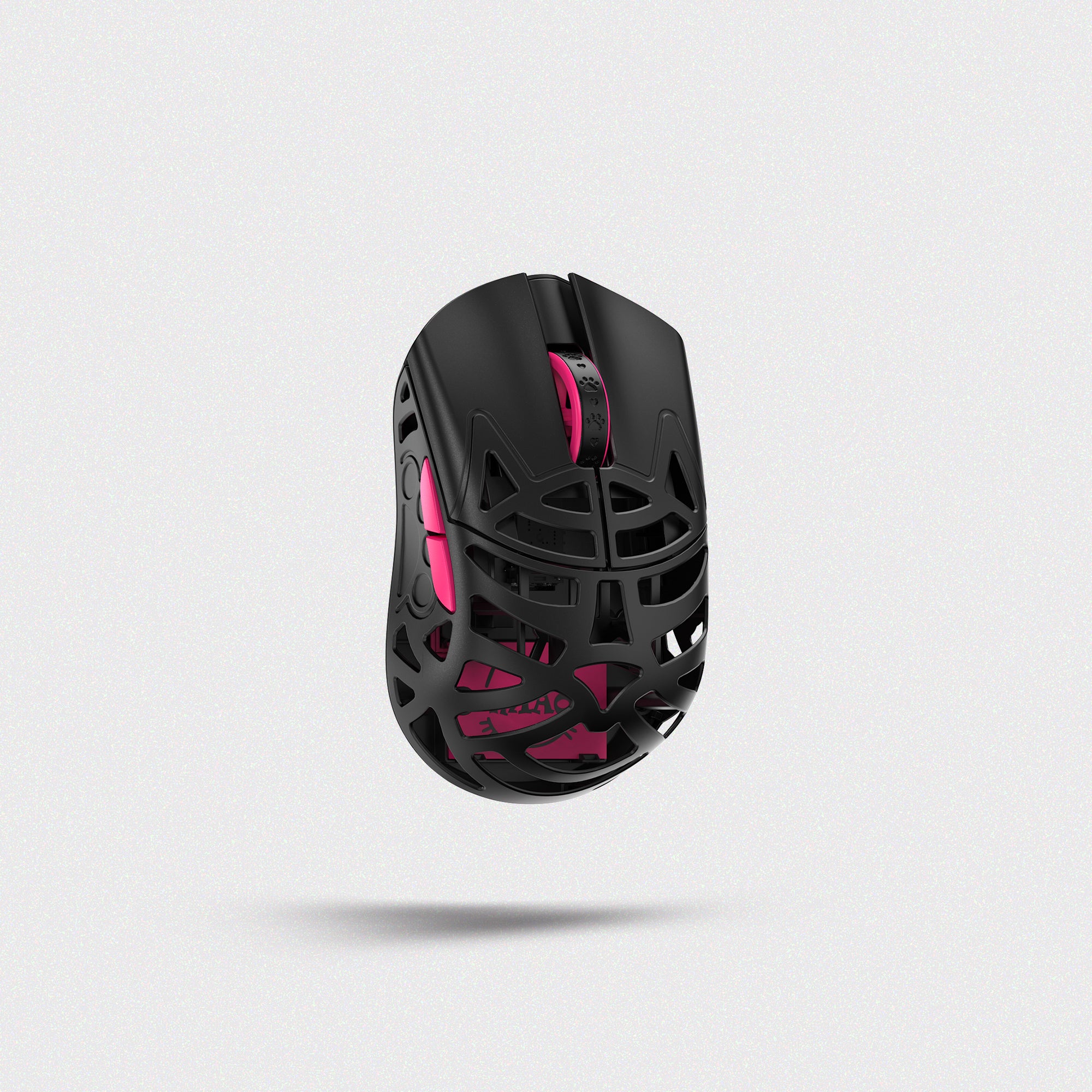 |
31g | PAW 3950HS | 8000Hz | $145 |
| WLMOUSE | Beast X Max | 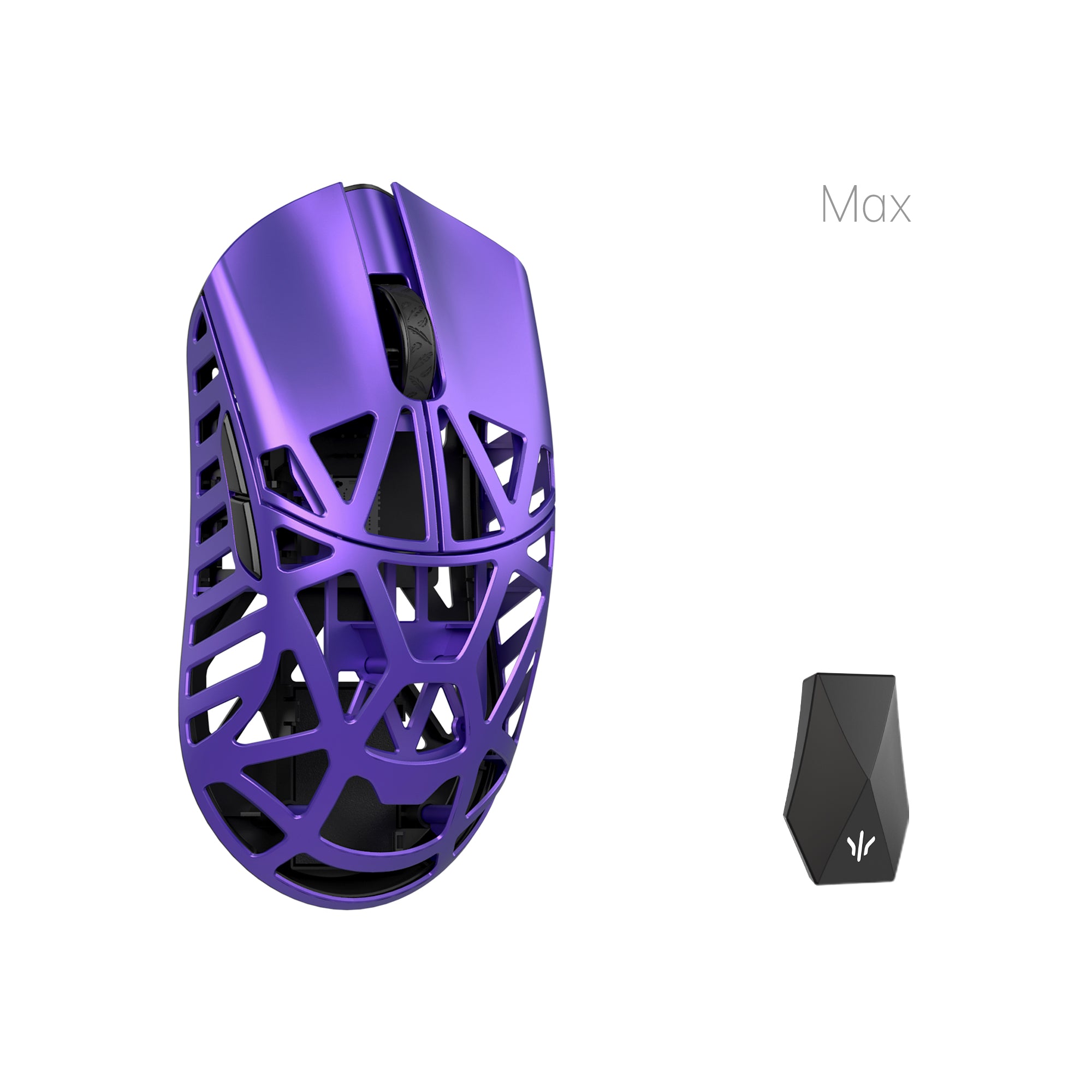 |
42g | PAW3395 | 8000Hz | $145 |
| Redragon | INVADER M719 Pro | 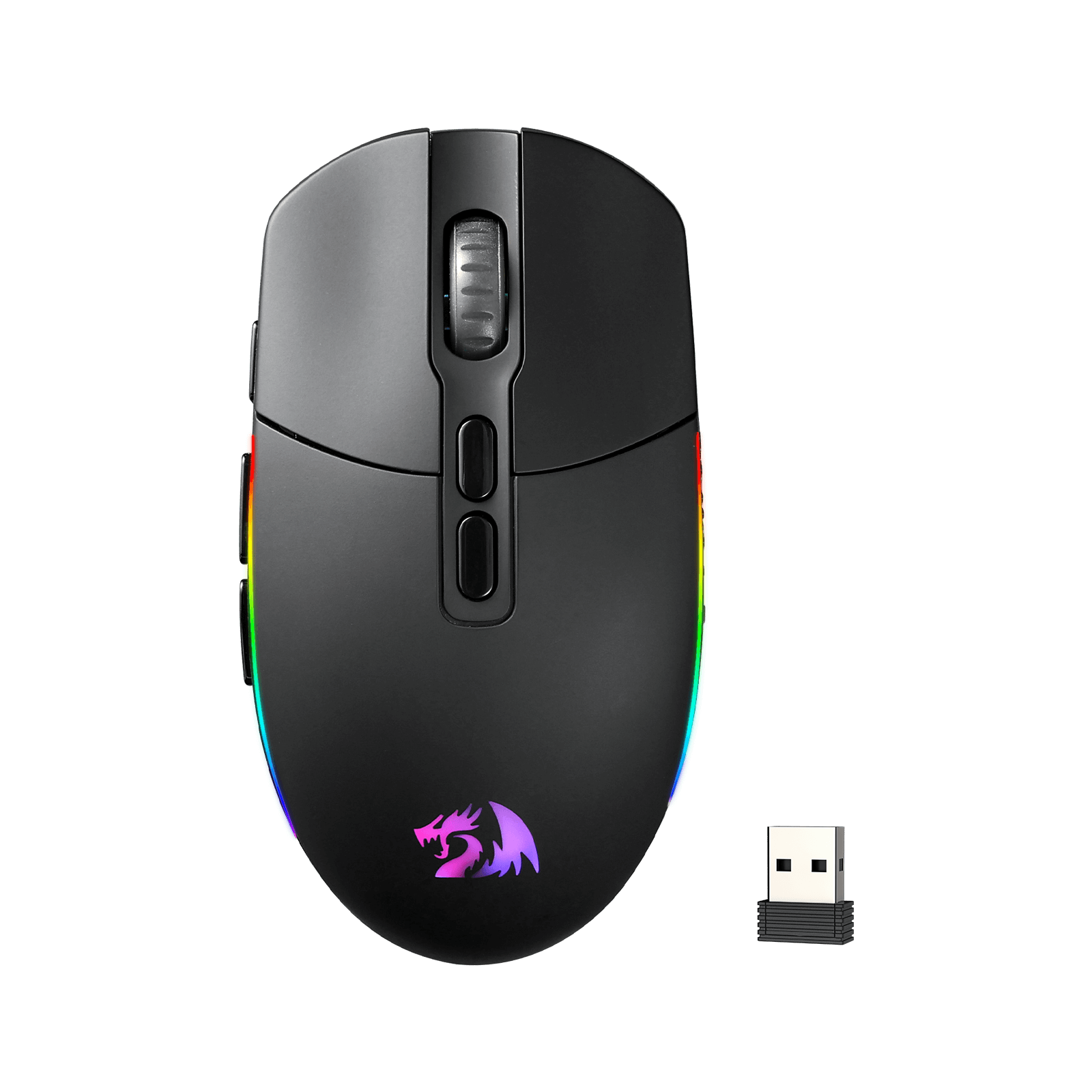 |
— | PAW3325 | 1000Hz | $22 |
Controllers
| Brand | Controller | Image | Joystick | Triggers | Buttons | Price |
|---|---|---|---|---|---|---|
| 8BitDo | Pro 3 | 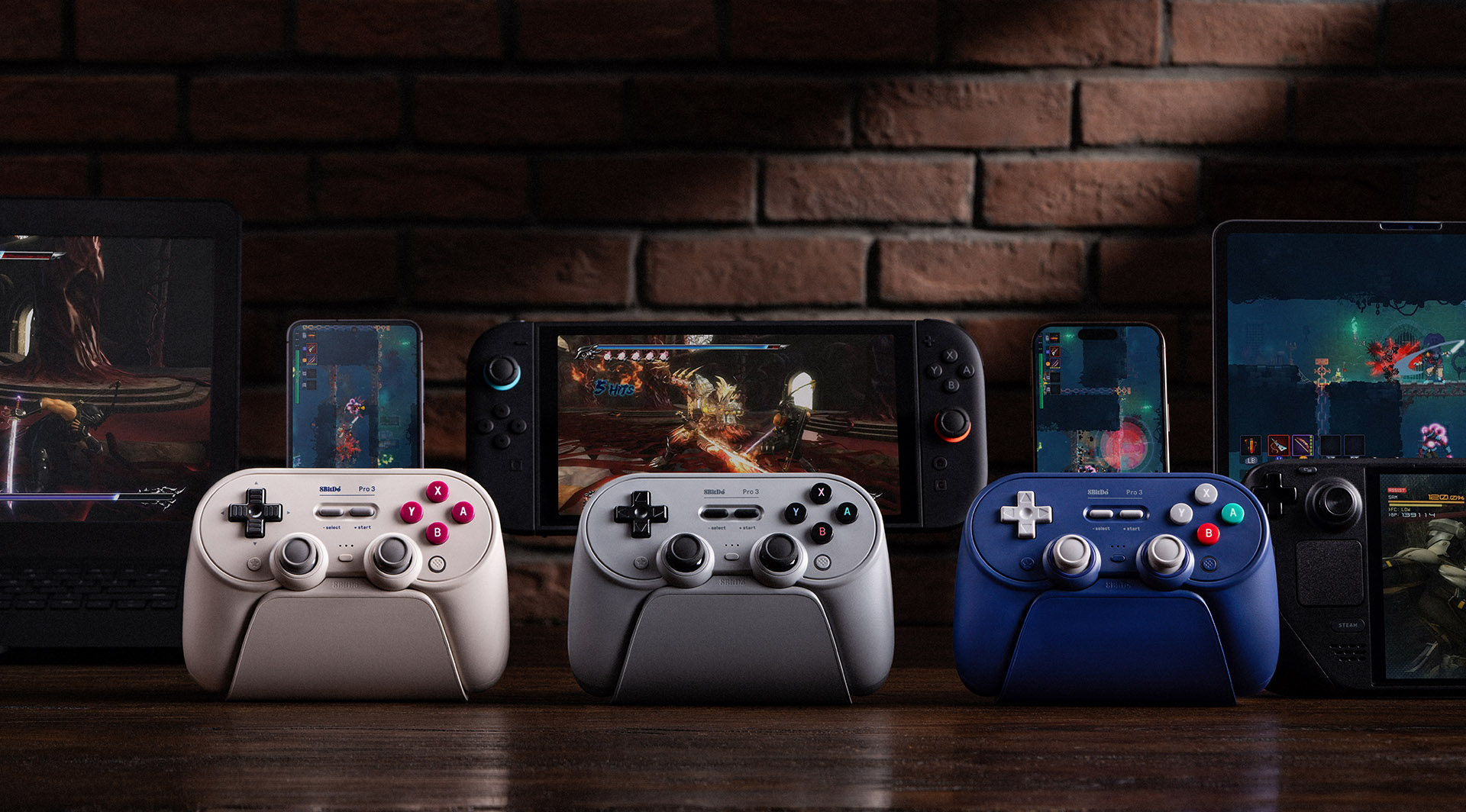 |
TMR joysticks | Hall effect triggers | Swappable magnetic ABXY | — |